HPC Visualizations on an XR headset
My summer internship project at Los Alamos National Laboratory focused on visualizing big data outputs on hardware constrained devices (XR Headsets)
Information and videos approved for release under LA-UR-25-31434
Visualizing 3D Simulations with XR
At Los Alamos National Laboratory, researchers run a wide range of large-scale 3D simulations. But the visualization most people associate with simulations—the compelling images and videos—typically comes after the computation is finished.
Visualization is usually a separate step, often handled by a visualization specialist rather than the scientist who designed the simulation. The goal, of course, is the same: accelerate discovery by making complex data understandable.
Why XR Works for 3D Simulations
XR (VR/AR/MR) is a powerful medium for visualizing 3D simulations because it aligns how humans perceive space with how simulations are structured.
Traditional screens flatten inherently 3D data into 2D projections. XR restores what gets lost:
- Depth perception
- Sense of scale
- Spatial relationships
This makes dense geometry, volumetric data, and complex structures easier to reason about and explore.
The Problem with XR Today
Despite its advantages, XR is still difficult to adopt in real scientific workflows. At LANL, the biggest challenge for visualization experts isn’t the hardware—it’s integration.
XR tools often require exporting data, switching engines, rebuilding assets, and packaging applications. These steps add friction, require additional expertise, and break the scientist’s existing workflow.
This gap is the motivation behind PV Bridge.
What Is ParaView?
ParaView is a widely used open-source application for visualizing large scientific datasets. It already sits at the center of many research workflows.
The problem isn’t ParaView—it’s what happens when you want to view ParaView data in XR.
The Traditional XR Pipeline
-> Edit in ParaView
-> Export visualization
-> Import into Unreal Engine
-> Position assets in a scene
-> Cook models
-> Package the app
-> Deploy to headset
-> Check results in XR
With PV Bridge
-> Edit in ParaView
-> Check results instantly in the headset
That’s the goal: XR without workflow disruption.
What Is PV Bridge?
PV Bridge (ParaView Bridge) consists of:
- A ParaView plugin
- An Apple Vision Pro app
The system allows ParaView to communicate wirelessly with an Apple Vision Pro, continuously recreating what the user sees in ParaView directly inside the headset—live, and in real time.
The Vision Pro app also supports natural hand gestures, enabling users to move, rotate, and scale visualizations intuitively inside XR.
How It Works
PV Bridge starts as a background plugin inside ParaView. It listens for changes across the visualization pipeline—geometry edits, color changes, visibility toggles, and layer updates.
When a change is detected, the plugin prepares an update.
At its core, each update consists of:
- Vertex data (3D points)
- Triangle indices
- RGBA color values
- A unique ID for each ParaView layer or source
Both the ParaView plugin and Unreal Engine maintain a synchronized stack of these IDs.
When an update is sent:
- If the ID already exists, Unreal updates the corresponding mesh.
- If the ID exists but contains no geometry, Unreal removes that layer.
- If the ID does not exist, Unreal creates a new mesh and inserts it into the scene.
This ID-based synchronization allows the XR scene to stay perfectly in step with ParaView—without exporting files, rebuilding assets, or restarting applications.
The Result
PV Bridge enables XR visualization to feel like a natural extension of ParaView, not a separate toolchain. Scientists can explore their simulations spatially, in real time, without changing how they already work.
XR becomes what it should be: a faster path from data to insight.
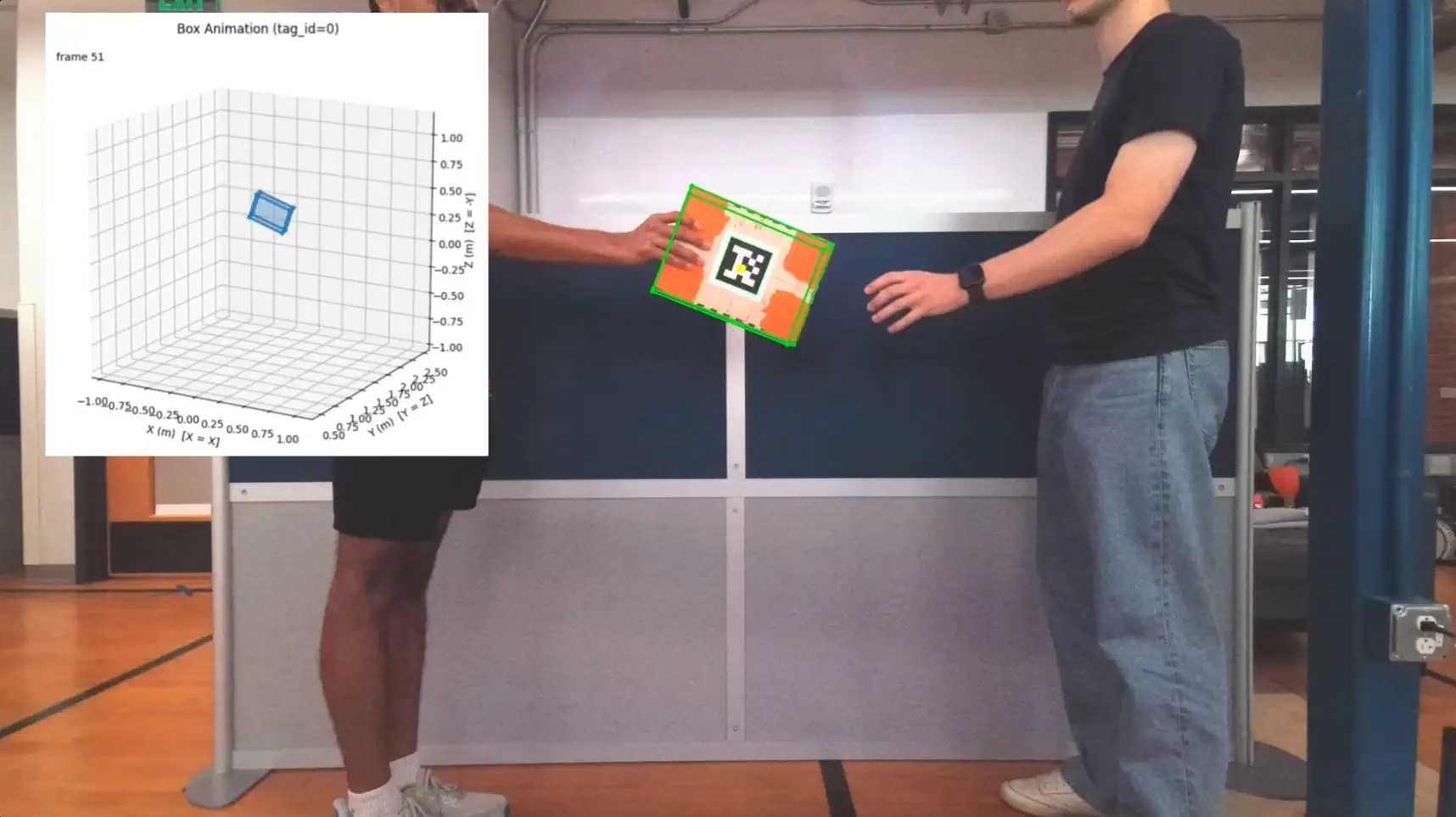
Object Tracking for Handovers
A component of a larger human-to-robot handover prediction project to support data collection.

Blueward.lol
Tracking League of Legends statistics for university gaming organizations.
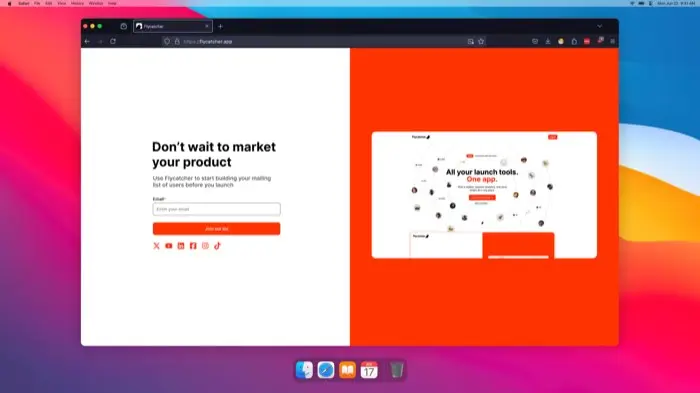
Flycatcher - Waitlist Builder
Build your custom branded waitlist, collect insights about your subscribers, and send email campaign...
All Posts